

Two-Factor Authentication Basics: A Complete 2026 Guide
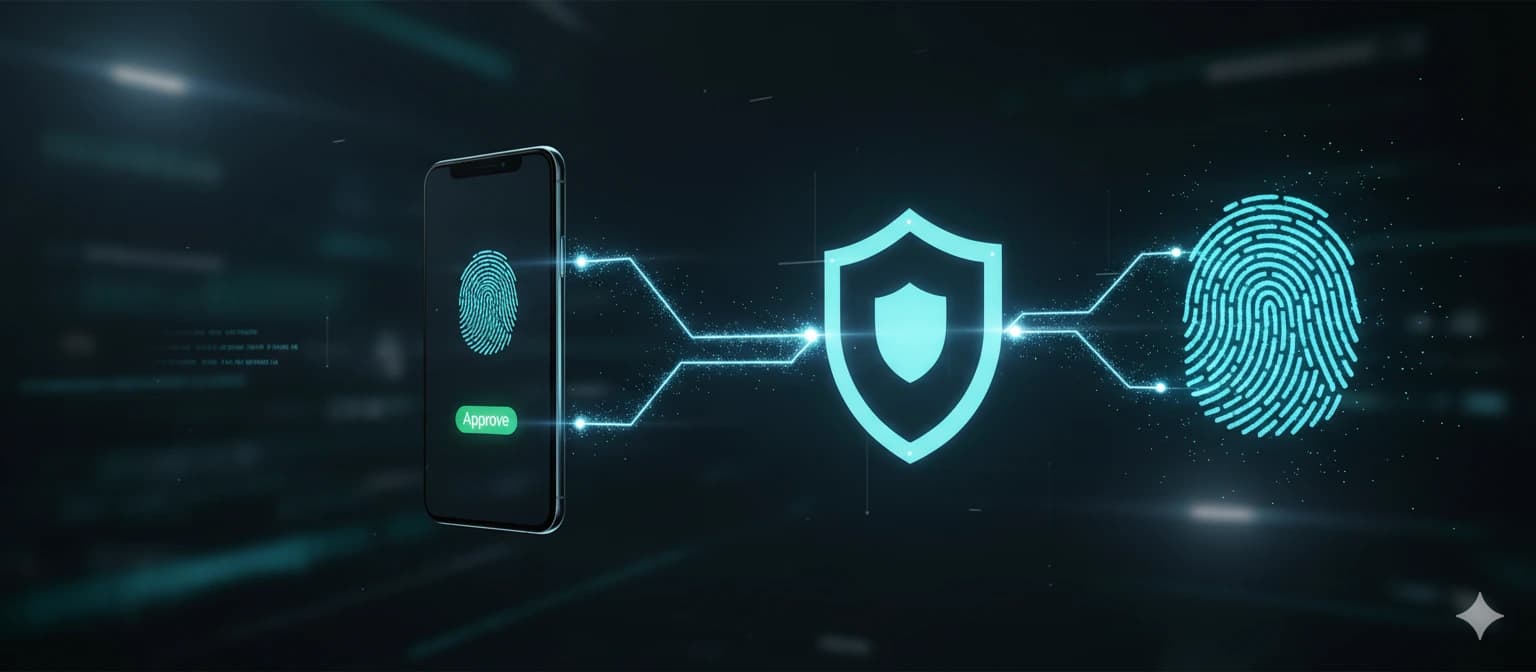
A clear guide to 2FA methods, setup priorities, and common mistakes to avoid. Covers TOTP, hardware keys, SMS risks, and how to protect your accounts beyond passwords.
Need-to-know reading
Why Passwords Alone Are Not Enough
Even a perfectly unique, high-entropy password can be compromised through phishing, keyloggers, man-in-the-middle attacks, or server-side breaches. Google's 2019 security study found that adding a recovery phone number (a basic second factor) blocked 100% of automated bot attacks, 99% of bulk phishing attacks, and 66% of targeted attacks. More sophisticated MFA methods like hardware keys blocked 100% of all three attack types.
Two-factor authentication (2FA), also called multi-factor authentication (MFA), requires you to prove your identity with two different types of evidence: something you know (your password), something you have (a phone, hardware key, or smart card), or something you are (fingerprint, face, iris scan). Using two factors from different categories ensures that compromising one factor alone is not enough to access your account.
The three primary 2FA methods available to consumers in 2026 are: time-based one-time passwords (TOTP) via authenticator apps, FIDO2/WebAuthn hardware security keys, and SMS or voice call codes. Each has different security properties, convenience trade-offs, and appropriate use cases.
Related guidance
TOTP Authenticator Apps: The Practical Standard
TOTP (Time-based One-Time Password) apps generate a new 6-digit code every 30 seconds based on a shared secret established during setup. The code is computed locally on your device — no internet connection is required for generation. Popular TOTP apps include Google Authenticator, Microsoft Authenticator, Authy, and Aegis (open-source Android app).
To set up TOTP, the service shows you a QR code containing the shared secret. Your authenticator app scans this code and stores the secret. From that point on, the app generates codes that match what the server expects. Because the secret is shared at setup time and never transmitted again, TOTP is resistant to network interception.
Security considerations: the shared secret is stored on your device, so a stolen or compromised device could expose all your TOTP secrets. Authy offers encrypted cloud backup of TOTP secrets, which provides recovery capability but introduces a cloud dependency. Google Authenticator now offers optional Google Account backup. Aegis allows encrypted local exports. Choose based on your preference for convenience versus cloud independence.
TOTP limitations: the 30-second window means codes are briefly vulnerable to real-time phishing (where an attacker proxies your login and captures both password and TOTP code simultaneously). TOTP also does not verify the identity of the site you are logging into — you might enter a code on a phishing site that looks identical to the real service. This is where hardware keys provide superior protection.
Hardware Security Keys: Maximum Protection
FIDO2/WebAuthn hardware keys (YubiKey, Google Titan, SoloKeys) provide the strongest available consumer 2FA. When you register a key with a service, the key generates a unique cryptographic key pair. During login, the key signs a challenge from the server that includes the site's domain. This domain binding makes hardware keys immune to phishing — even if you click a phishing link, the key will not authenticate because the domain does not match.
YubiKey 5 series supports USB-A, USB-C, NFC, and Lightning connections, covering virtually every device. Google Titan Keys offer USB-A/USB-C and Bluetooth options. SoloKeys provides open-source FIDO2 keys for the security-conscious. Prices range from $25-75 per key.
For full protection, purchase at least two keys: register both with every service, use one daily and store the other in a secure location as a backup. If you lose your primary key, the backup key can still authenticate. Without a backup key, losing your primary key could lock you out of all your accounts.
Hardware key deployment is expanding rapidly. Google, Microsoft, Apple, GitHub, Cloudflare, Facebook, Twitter, Coinbase, Binance, and most major services now support FIDO2 keys. Apple's passkey system, built on the same FIDO2 standard, is bringing hardware-key-level security to consumer devices through built-in biometric authentication.
SMS and Voice Call 2FA: Known Weaknesses
SMS-based 2FA sends a one-time code to your phone number via text message. While better than no 2FA at all, SMS has well-documented vulnerabilities. SIM swapping — where an attacker convinces your mobile carrier to transfer your number to their SIM card — is the most serious threat. In 2024, the FBI reported over $68 million in losses from SIM-swap attacks.
SS7 protocol vulnerabilities allow technically sophisticated attackers to intercept SMS messages without physical access to your phone. While these attacks require telecom-level access, they have been documented in real-world targeted attacks against high-value individuals.
SMS codes are also delivered in plain text and may appear in lock screen notifications, making them vulnerable to shoulder-surfing. Some malware can read incoming SMS messages. And SMS codes, like TOTP, are vulnerable to real-time phishing attacks that capture the code as you enter it.
Despite these weaknesses, SMS 2FA is dramatically better than no 2FA. If a service only offers SMS-based MFA, enable it. The vast majority of account compromises target accounts with no second factor at all. Upgrade to TOTP or hardware keys when available, but do not leave accounts unprotected because the only 2FA option is SMS.
Setup Priority: Which Accounts First
Priority 1 — Email accounts: Your email is the recovery point for almost every other account. Compromised email means an attacker can reset passwords everywhere. Enable MFA immediately on all email accounts, using the strongest method available.
Priority 2 — Financial accounts: Banking, investment platforms, cryptocurrency exchanges, and payment services (PayPal, Stripe). These accounts contain direct access to your money. Use hardware keys where supported.
Priority 3 — Cloud storage and work accounts: Google Workspace, Microsoft 365, Dropbox, iCloud. These contain years of personal and professional data. Compromising cloud storage often exposes enough information for full identity theft.
Priority 4 — Social media: Facebook, Instagram, Twitter/X, LinkedIn. These accounts are used for social engineering attacks against your contacts and can cause significant reputational damage. They also serve as OAuth login providers for many other services.
Priority 5 — Shopping and streaming: Amazon, Netflix, Spotify. While lower priority, compromised shopping accounts with saved payment methods can result in fraudulent purchases. Enable MFA on any account with stored payment information.
Backup Codes and Recovery Planning
When you enable 2FA, most services provide a set of one-time backup codes (typically 8-10 codes). These are your emergency access method if you lose your 2FA device. Treat them with the same security as your master password — they are effectively a bypass for your second factor.
Store backup codes in your password manager as a secure note attached to the relevant account. If your password manager is also secured with MFA, ensure you have an independent recovery path (such as backup codes stored on paper in a safe, or a backup hardware key registered with the password manager).
Plan your recovery hierarchy: your most critical accounts need at least two independent recovery methods. For example: primary hardware key + backup hardware key + backup codes stored in a fireproof safe. For less critical accounts: TOTP app + backup codes in your password manager is usually sufficient.
If you use Authy with cloud backup enabled, losing your phone is less catastrophic — you can install Authy on a new device and restore your TOTP secrets. However, this adds a cloud dependency that security purists may wish to avoid. The trade-off between recovery convenience and minimized attack surface is a personal decision.
Common 2FA Mistakes to Avoid
Using the same phone number for both 2FA and account recovery. If an attacker performs a SIM swap, they gain access to both your 2FA codes and your recovery mechanism. Use a separate phone number or, better yet, use hardware keys and backup codes instead of SMS entirely.
Not having backup codes or a backup authentication method. If your phone is lost, stolen, or destroyed, you need an alternative way to access your accounts. Generate and securely store backup codes for every service where you enable 2FA.
Taking screenshots of QR codes during TOTP setup. The QR code contains the secret that generates your OTP codes. A screenshot stored in your camera roll could be accessed by any app with photo permissions or synced to cloud storage. If you need to save the secret, use your password manager's secure notes or the authenticator app's encrypted export feature.
Approving unexpected push notifications. Some MFA implementations use push notifications (tap to approve). Attackers send repeated login attempts, hoping you will approve one out of fatigue or confusion — this is called MFA fatigue or push bombing. Never approve a notification you did not initiate. Modern implementations now require entering a number displayed on the login screen to prevent this attack.
- Do not use the same phone for 2FA SMS and account recovery
- Always generate and store backup codes
- Never screenshot TOTP QR codes
- Never approve unexpected MFA push notifications
- Register at least two hardware keys per account
- Use TOTP or hardware keys instead of SMS when available
- Test your recovery methods before you need them
What to Do Next with a Strong Password?
A strong password is just the first step. To truly protect your accounts, you need a reliable password manager that stores, auto-fills, and syncs your credentials across all devices.
We compared the most popular password managers in 2026 to help you make the right choice.
NordPass stands out with its zero-knowledge XChaCha20 encryption, built-in passkey support, and the most intuitive interface among premium managers.
| Feature | NordPass | 1Password | Bitwarden Free |
|---|---|---|---|
| Price/mo | $1.49/mo | $2.99/mo | $0 |
| Devices | Unlimited | Unlimited | Unlimited |
| Passkeys | Yes | Yes | No |
| Breach scanner | Yes | Yes | No |
| 2FA built-in | Yes | Yes | Yes |
| Secure sharing | Yes | Yes | Limited |
| Auto-fill | Yes | Yes | Yes |
This is an affiliate link. If you make a purchase, I may earn a commission — this helps keep the site free.