

Security Guides

How to Create Strong Passwords in 2026: A Complete Guide
Learn how to create truly secure passwords using modern techniques recommended by NIST, OWASP, and cybersecurity experts. This guide covers entropy, password managers, passphrases, and common pitfalls to avoid.

Password Manager vs Manual Storage: Complete Comparison 2026
Compare the top password managers of 2026 with manual storage methods. Learn which approach best protects your accounts, with honest pros, cons, and migration tips.

Passphrase vs Password: Entropy and Security Explained
Understand the mathematics behind password entropy and learn when passphrases outperform traditional passwords. Includes entropy calculations, Diceware methodology, and practical recommendations.
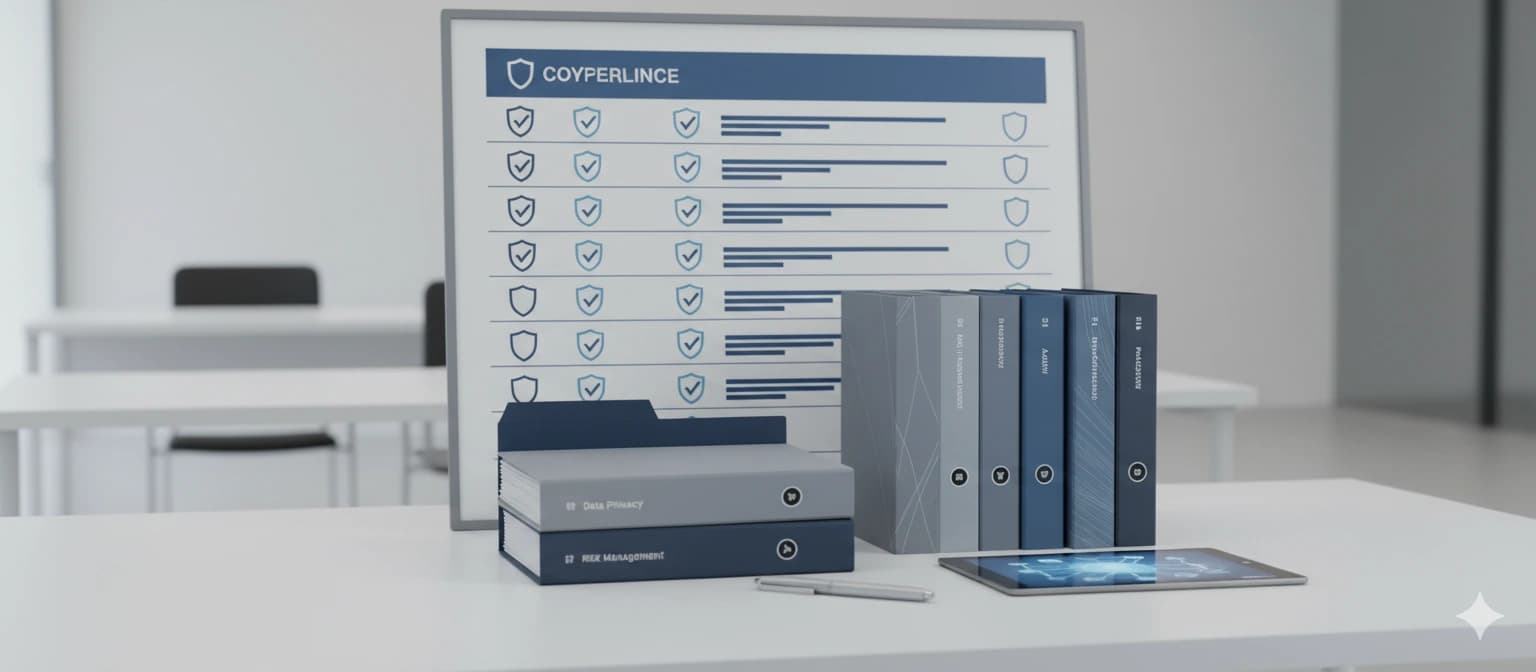
NIST 800-63B Password Rules: A Practical 2026 Summary
A plain-language summary of NIST SP 800-63B password guidelines. Learn what changed, why complexity rules were dropped, and how to implement compliant password policies in your organization.
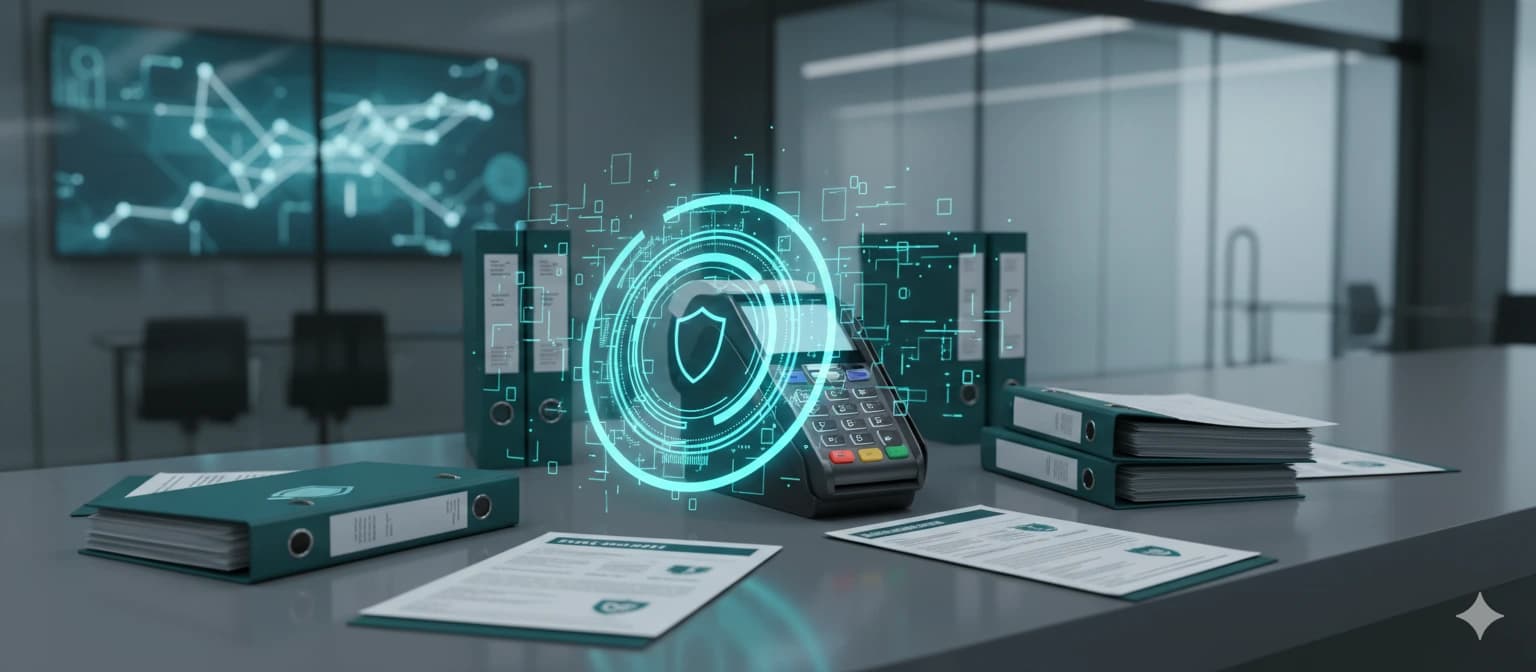
PCI DSS Password Requirements for Teams in 2026
What PCI DSS v4.0 expects from password controls and how to align your team workflow without harming UX. Covers authentication requirements, password policies, and practical implementation strategies.
What to Do After a Password Breach: Step-by-Step Recovery
Your credentials were leaked in a data breach. Here is a step-by-step response plan covering password resets, monitoring, MFA setup, and long-term protection strategies.
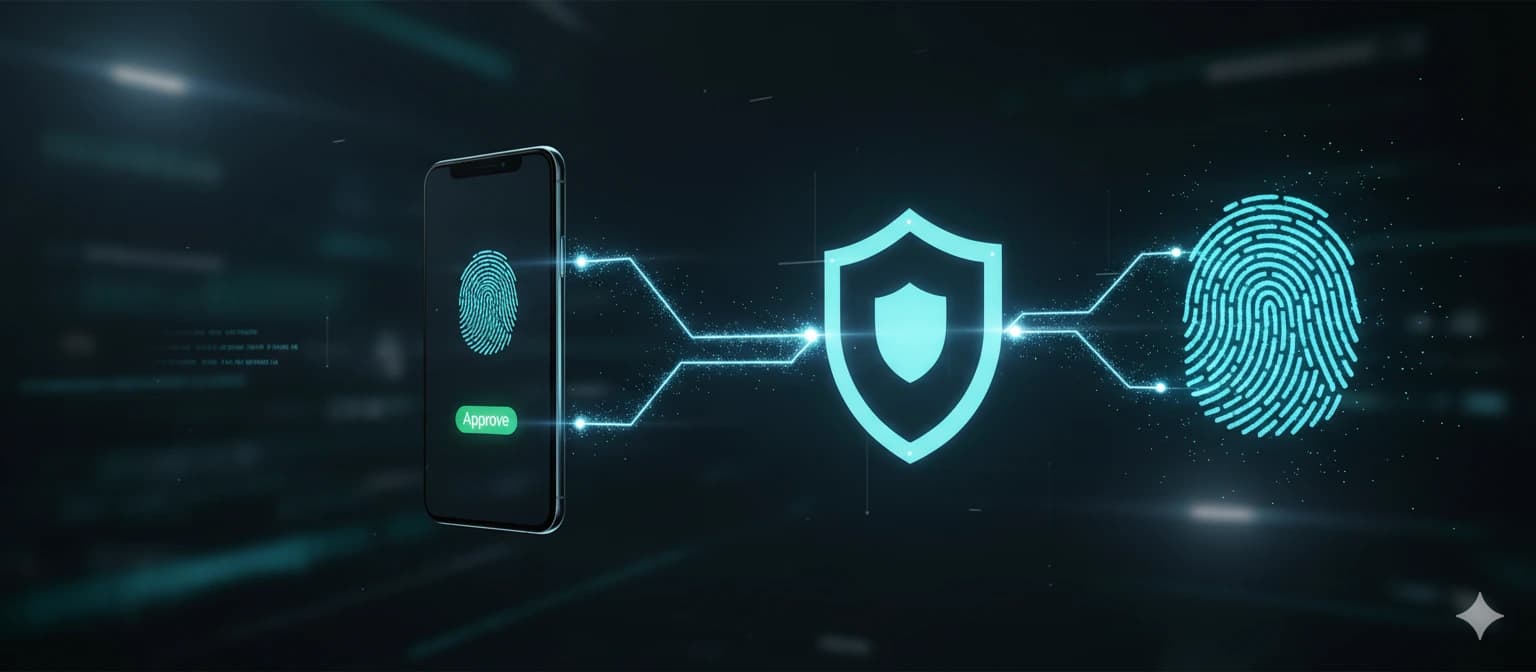
Two-Factor Authentication Basics: A Complete 2026 Guide
A clear guide to 2FA methods, setup priorities, and common mistakes to avoid. Covers TOTP, hardware keys, SMS risks, and how to protect your accounts beyond passwords.
Most Common Password Mistakes and How to Fix Them
Review the highest-risk password habits affecting millions of users and learn practical, step-by-step ways to replace them with secure routines that actually stick.

Team Password Policy Template: A Ready-to-Use Framework
Use this comprehensive policy framework to standardize password security across your organization. Includes ready-to-adopt templates aligned with NIST 800-63B and PCI DSS v4.0.
Secure Password Generator: Full Guide to Safe Online Generation
How to configure password length, character sets, and standards for safer generated passwords. Covers CSPRNG, browser-based generation, and best practices for using password generators without registration.

How a VPN Strengthens Your Online Security in 2026
Most people think a strong password is enough. It is not. Without a VPN, your traffic can be intercepted on public networks, your ISP can log every site you visit, and your real IP exposes your location. This guide explains how VPN encryption works, when you actually need one, and why pairing a VPN with good password hygiene is the smartest move you can make right now.
What to Do Next with a Strong Password?
A strong password is just the first step. To truly protect your accounts, you need a reliable password manager that stores, auto-fills, and syncs your credentials across all devices.
We compared the most popular password managers in 2026 to help you make the right choice.
NordPass stands out with its zero-knowledge XChaCha20 encryption, built-in passkey support, and the most intuitive interface among premium managers.
| Feature | NordPass | 1Password | Bitwarden Free |
|---|---|---|---|
| Price/mo | $1.49/mo | $2.99/mo | $0 |
| Devices | Unlimited | Unlimited | Unlimited |
| Passkeys | Yes | Yes | Yes |
| Breach scanner | Yes | Yes | Yes |
| 2FA built-in | Yes | Yes | Yes |
| Secure sharing | Yes | Yes | Limited |
| Auto-fill | Yes | Yes | Yes |
This is an affiliate link. If you make a purchase, I may earn a commission — this helps keep the site free.